 Auramigo
Your playlist,
on the big screen.
A fast, simple player for your own IPTV playlist on Samsung TVs. Add it from your phone in seconds — no typing with the remote.
Auramigo is a player: it does not provide any channels, movies or series.
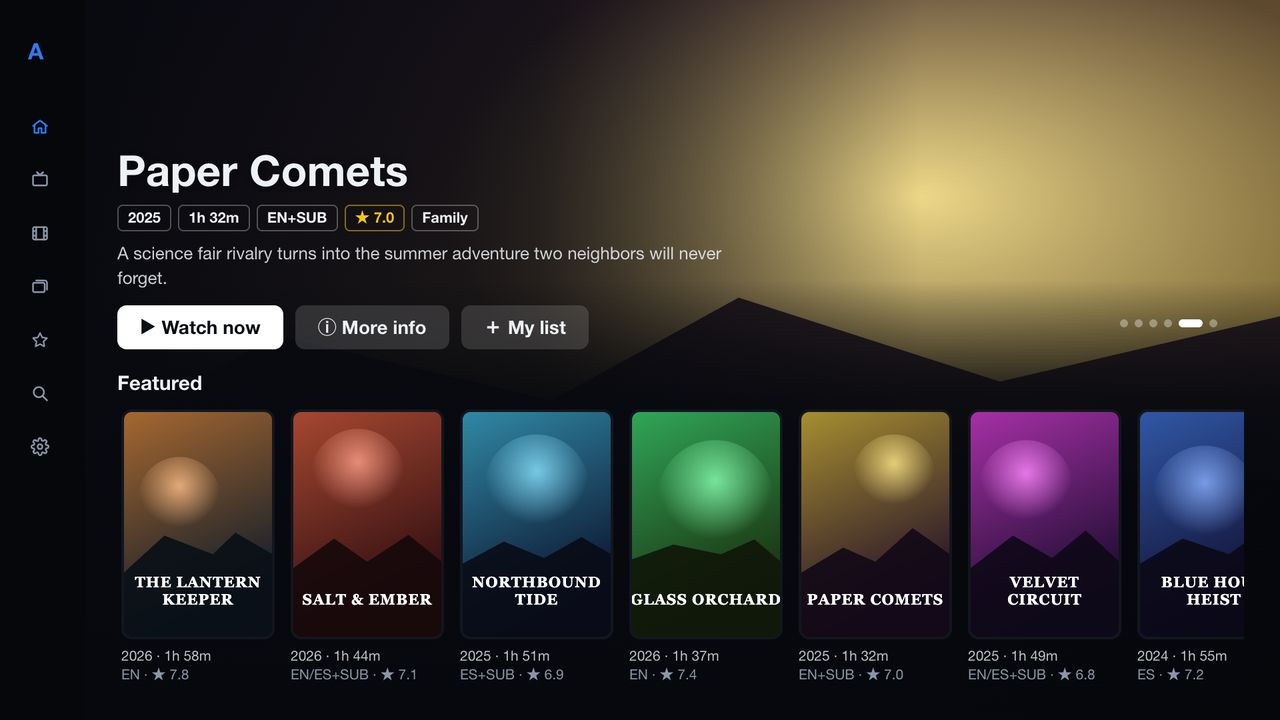
Ready in three steps
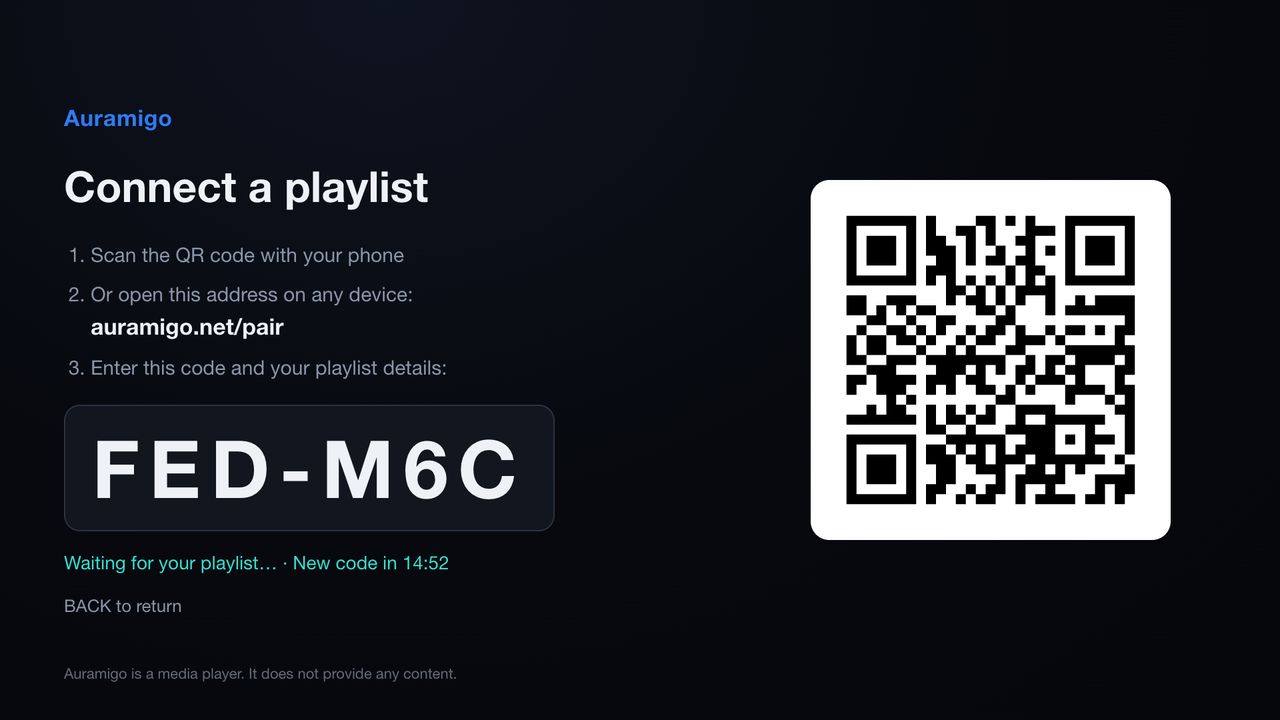
Open Auramigo on your TV
It shows a short code and a QR code.
Scan the QR code with your phone
Or open auramigo.net/pair on any browser and type the code.
Enter your playlist and watch
Xtream Codes or M3U. Your TV receives it in seconds.
Everything in one place
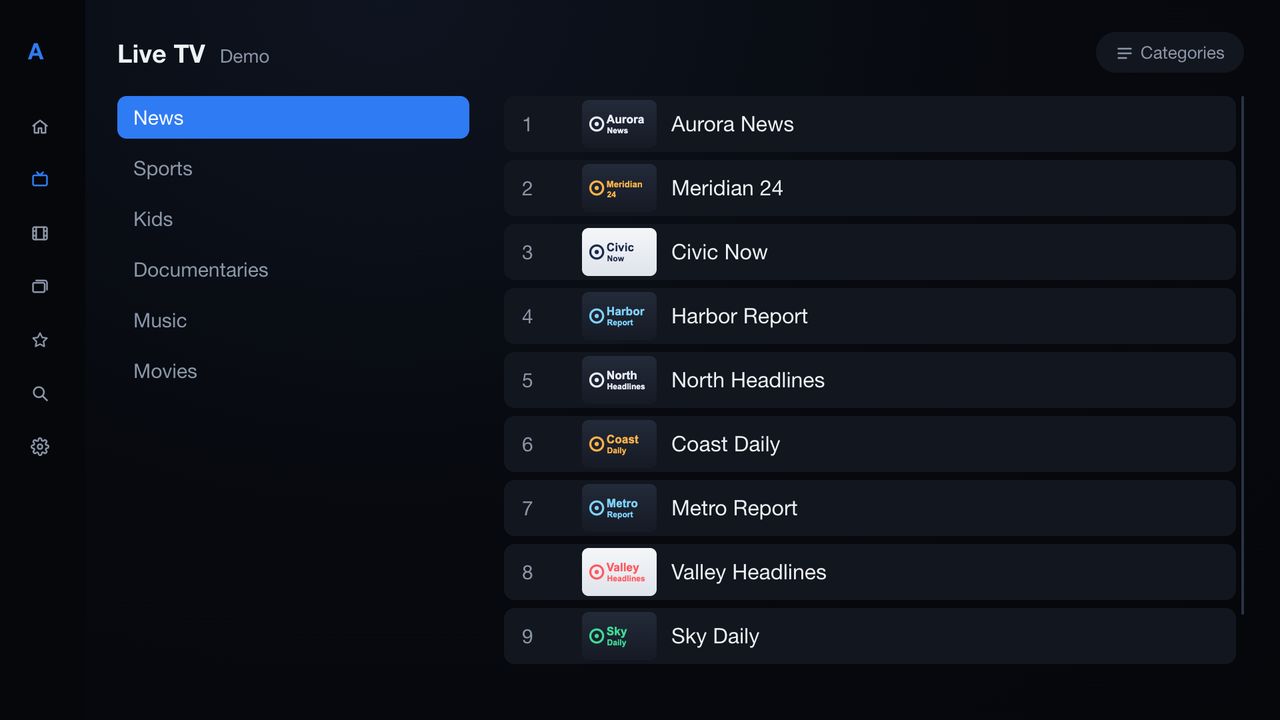
Live TV
Channels by category, with logos that stay readable on any background. Change channel with CH+ / CH−.
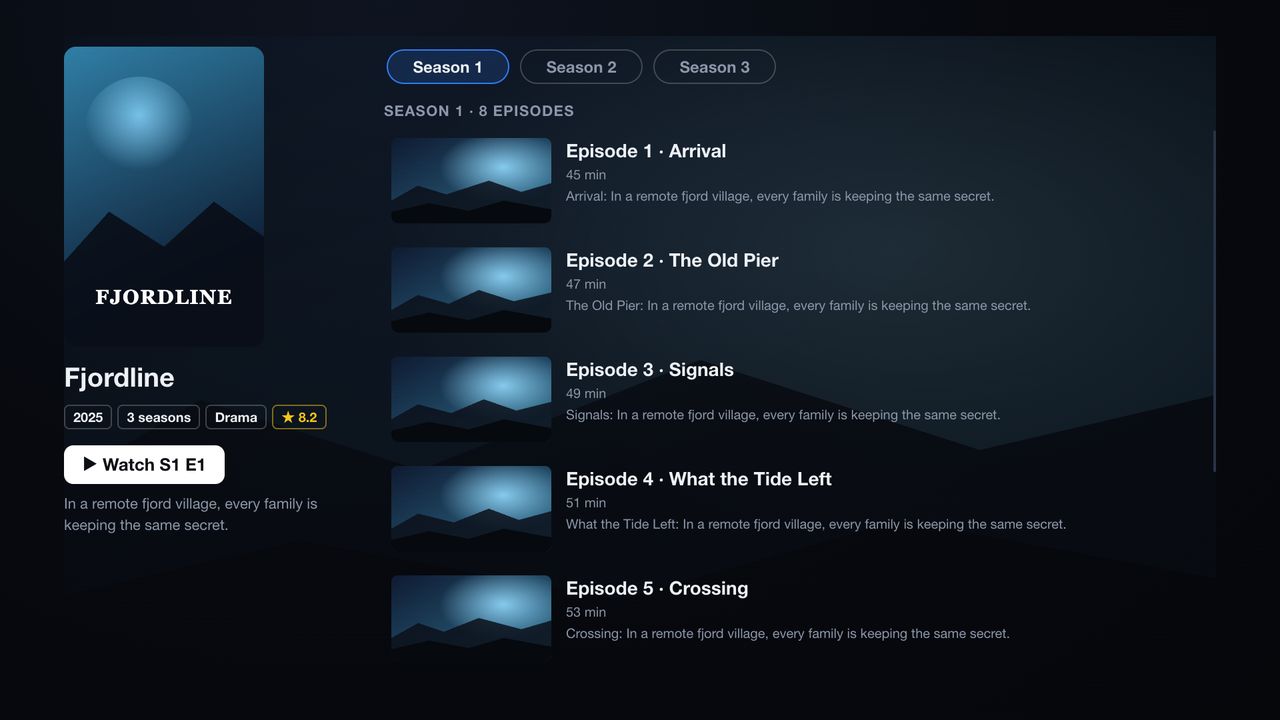
Movies & series
Posters, details, seasons and episodes — with the audio and subtitle languages at a glance.
Continue watching
Stop anytime and pick up exactly where you left off, on movies and episodes.
Favorites & search
Save what you watch most. Search channels, movies and series at once.
Audio & subtitles
Choose the audio track and subtitle language, and make subtitles bigger if you need.
Smooth playback
A playback engine built for TVs, even models from 2018, so movies start fast and don’t stall.
Works with
Playlists
Xtream Codes accounts and M3U playlists from the provider of your choice.
TVs
Samsung Smart TVs with Tizen (2022 models and newer in the TV app store).
Several playlists
Add more than one and switch between them in Settings.
Questions
Does Auramigo include channels or movies?
No. Auramigo is only a player. You need your own playlist from a provider of your choice; Auramigo does not sell, provide or recommend any.
Do I need an account?
No. There is no sign-up, no login and no ads.
What happens to my playlist details?
They go from your phone to your TV and stay on your TV. The pairing service deletes them as soon as the TV receives them. See the privacy policy.
I need help
Write to us: support@auramigo.net